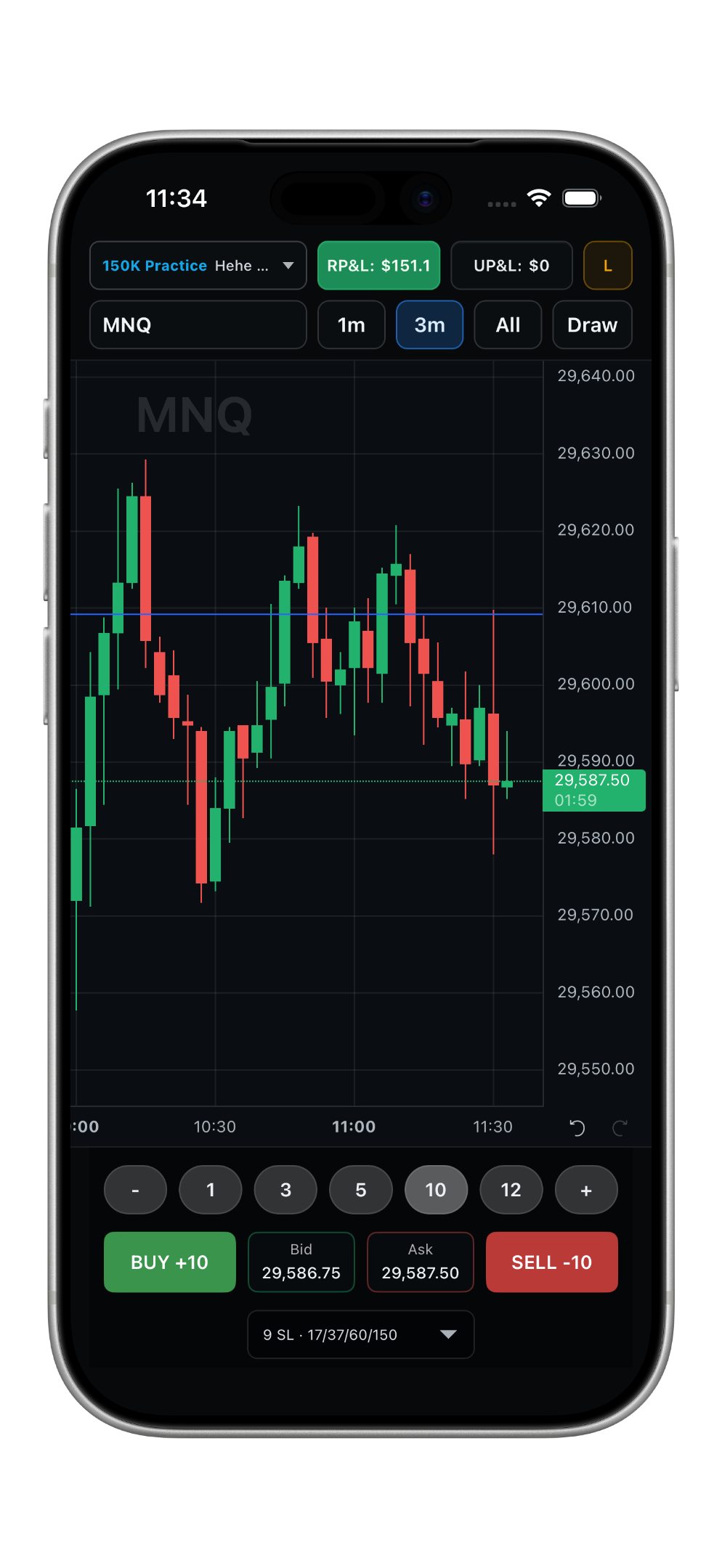
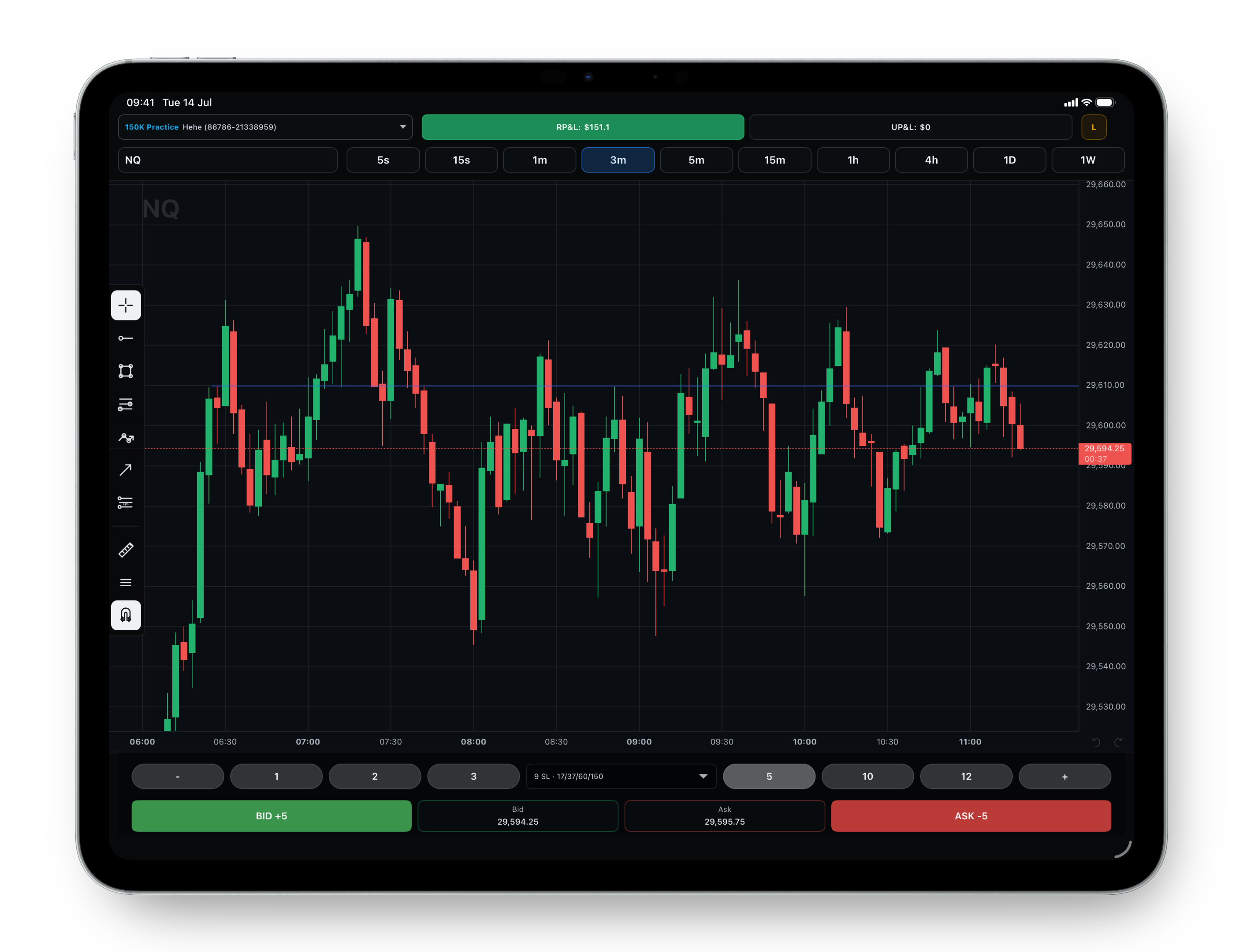
The trading terminaldesigned for touch.

Tradingview charts, ATM with multiple PTs, Swipe to Trade™, copy trading, personalised risk settings and more. For TopstepX and Rithmic accounts.

How it works
AspiXR running on iPad
Features

Made by traders.

For real. AspiXR is not a product to us. We made it for ourselves - we trade on it everyday.

TradingView charts, built for speed

TradingView charts with touch-ready drawings and low-latency provider responses.

PT3 80pts ($1,600)1×
PT2 40pts ($800)1×
PT1 20pts ($1,200)3×
ENTRY BUY +55×
STOP 5pts ($500)5×

One entry. Multiple PTs.

ATM orders with multiple profit targets. Server-side OCO orders protect your position as soon as it is open, and partial profit targets cancel their corresponding stop orders (and vice versa), preventing the opening of unintentional and unprotected positions.

PT 1
3
20pts
SL
3
5pts

Personalised brackets, ready to execute

Build and save personalised bracket presets with your preferred stop loss, multiple profit targets and position allocation, so your complete trade plan can be applied quickly and consistently when an opportunity appears.

Copy Trading Copy leader orders and bracket edits to selected followers.
Leader: EVAL-4821-731650k Evaluation

Unsaved changes. Tap Save to apply copy trading settings.

One leader. Selected followers. X2

Choose a leader account and copy bracket orders to the follower accounts you select. Up to two different copy setups at once.

AspiXR
TopstepX
Rithmic

Deeper TopstepX and Rithmic support

Full integration with TopstepX and Rithmic native features, with AspiXR upgrades to enhance your trading.

Apple Keychain Credentials stay here
Direct from your device
TopstepX Rithmic

Local credentials. Direct execution

Your credentials remain securely stored on your device, and orders are sent directly to TopstepX/Rithmic servers from your device.

Workflow

Swipe To Trade™

Swipe To Trade™ lets you drag directly on the chart to place a limit order at the exact price you want, with an instant preview of your stop loss and profit targets. Built for fast execution and precise entries.

1

Swipe from the chart to start a live order preview at the price area you are watching.

2

Drag the order to the exact price you want while previewing the stop loss and profit targets before sending.

3

When you are ready, click to send the order through.

FAQ

Frequently Asked Questions

1. What is AspiXR?

AspiXR is a touch-first futures trading terminal for iPhone and iPad. It connects to TopstepX and Rithmic accounts and provides chart trading, ATM orders with multiple profit targets, copy trading, personalised risk settings, and Swipe To Trade™.

2. Is AspiXR a broker or trading provider?

No. AspiXR is a local trading terminal for your device. It is not a broker, exchange, custodian, financial institution, or trading adviser. Your account and trading services continue to be provided by TopstepX, Rithmic, and/or the relevant prop firm, broker, or trading firm.

3. Is AspiXR designed for both iPhone and iPad? Will there be Android, desktop, or web versions?

AspiXR is designed specifically for iPhone and iPad. An Android version is being considered but is currently not a priority.

A desktop version for Mac will be released in the future. Windows and web versions are not considered at the moment.

4. Can I connect multiple accounts and use AspiXR with both TopstepX and Rithmic?

Yes. AspiXR is designed to support multiple eligible trading accounts, allowing you to view accounts individually and use supported multi-account and copy-trading features. You can trade TopstepX and Rithmic accounts simultaneously.

5. Are stop-loss and profit-target orders managed locally by AspiXR or by the provider's servers?

Orders are submitted to the connected TopstepX or Rithmic service. Stop-loss and profit-target orders are maintained on the provider's servers. OCOs (One Cancels the Other) are managed server-side by the provider.

6. Where are my provider credentials stored? Do my credentials ever pass through AspiXR servers?

Your provider credentials are stored locally on your device using the security facilities provided by iOS. Your credentials remain on your device and are used to establish a connection with the relevant TopstepX or Rithmic services. They are not routed through or stored on AspiXR servers.

7. Can AspiXR see my account balance, positions, or trading history?

The AspiXR app processes this information locally on your device so it can display your account and operate the features you request. We do not have access to this information and do not use it to manage your account, provide trading advice, or make trading decisions on your behalf.